How to Monitor
Monitoring
MavBake gives you the option to monitor all Mavryk node and baking services. MavBake utilizes the journalctl utility included in most Linux distribution to store and manage its logging. You can extract all logs for a node easily to diagnose any issues. This tutorial will walk you through the process of monitoring your MavBake node.
Monitor overall MavBake status
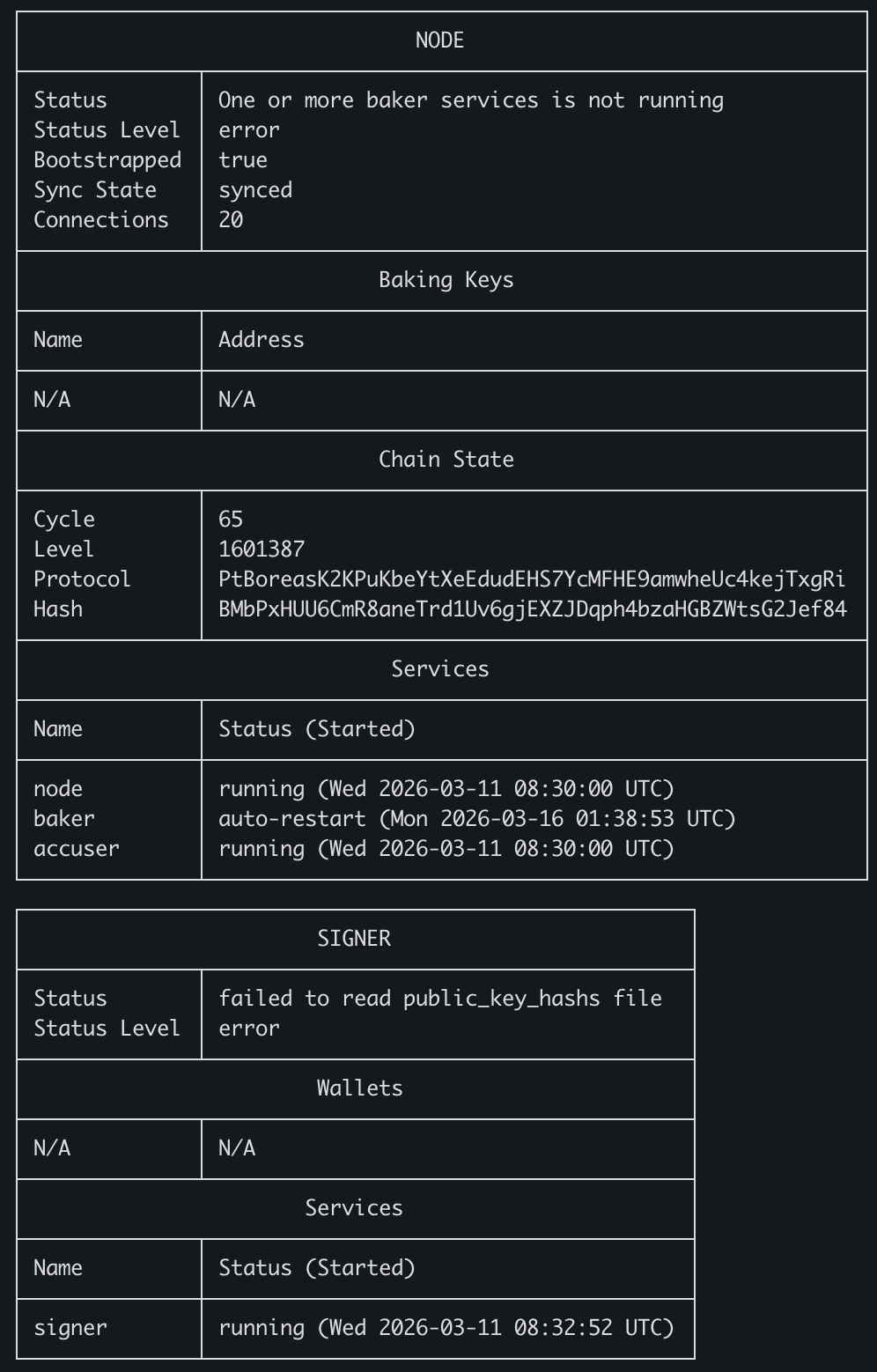
Run this command to get the status of your baker in a snapshot. After first setting up and starting the baker, you may need to give it a minute or 2 before the status display stops changing and missing some information. If you notice there is an error status on any of the fields after around 3-5 minutes of starting the services, seek out help in the Mavryk community as there is something that probably needs tweaking.
mavbake info
Monitor MavBake logs
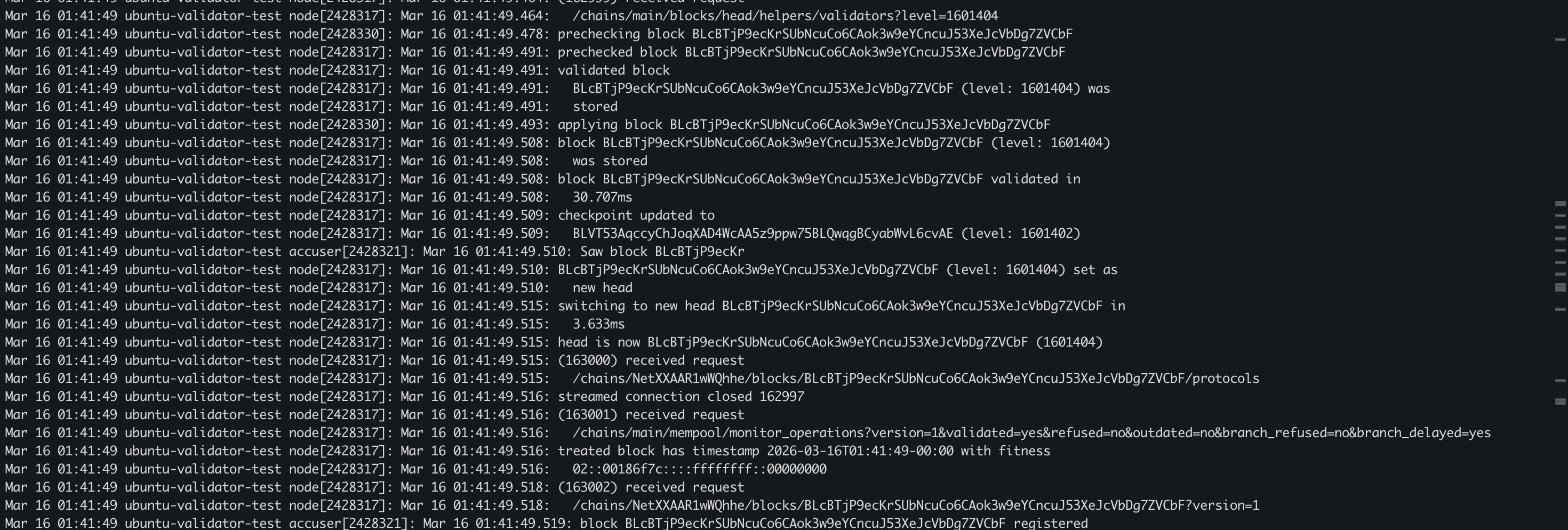
Monitor full MavBake node and baker logs in real time
Using the command below shows everything your baker is doing on a second-by-second basis. If there is a problem to be discovered, it will be mentioned here.
mavbake node log -f
Monitor limited MavBake node or baker logs in real time
Using these commands you can focus on just the node, just the baking/endorsing process or just the accusation (of double baking) processes
mavbake node log node -f
mavbake node log baker -f
mavbake node log accuser -f
Monitoring just the node process shows blocks being synchronized in real time by your node.
Monitoring just the baker process shows all attempts to endorse and bake blocks. The baker process works along with the node process to inject blocks and endorsements into the Mavryk network.
Monitoring just the accuser process shows the attempts of your node to call our double baking events on the Mavryk network. Normally you should not see anything in this log.
Monitor full MavBake signer logs in real time
Using the command below shows everything your Ledger is signing or trying to sign. If there is a hardware wallet issue, this log will confirm it.
mavbake signer log -f

General Linux monitoring
All MavBake logs are stored in the /var/log/syslog file. You can view the logs by running the commands below. You can also use mavbake itself to view the logs in real time.
cat /var/log/syslog | grep mavbake
tail -f /var/log/syslog | grep mavbake
Any questions/comments/concerns? Please contact the Mavryk Dynamics team on Telegram